Two-Factor Check
Add a second code for unfamiliar sign-ins.

A player's practical walkthrough
I first tested KKM99 on a humid evening in Chattogram, with a weak Robi signal and a cricket match about to begin. Finding the sign-in panel took longer than entering my details.
After setup, access takes roughly ten seconds. A new registration normally takes around 2 minutes, provided your Bangladesh phone is nearby.
Open the KKM99 website or app and look along the upper-right area for the Login control. Select it to bring up the account form.
Enter the phone number or username connected to your profile, add your password, and confirm. The usual route takes close to 10 seconds.
| Access option | Required action | Typical time |
|---|---|---|
| Phone and password | Fill in both fields | About 10 sec |
| Username and password | Enter saved details | About 10 sec |
| App biometrics | Use fingerprint or Face ID | About 2 sec |
Using a cousin's phone or a public computer? Leave the remember-me option off, then sign out before handing the device back.
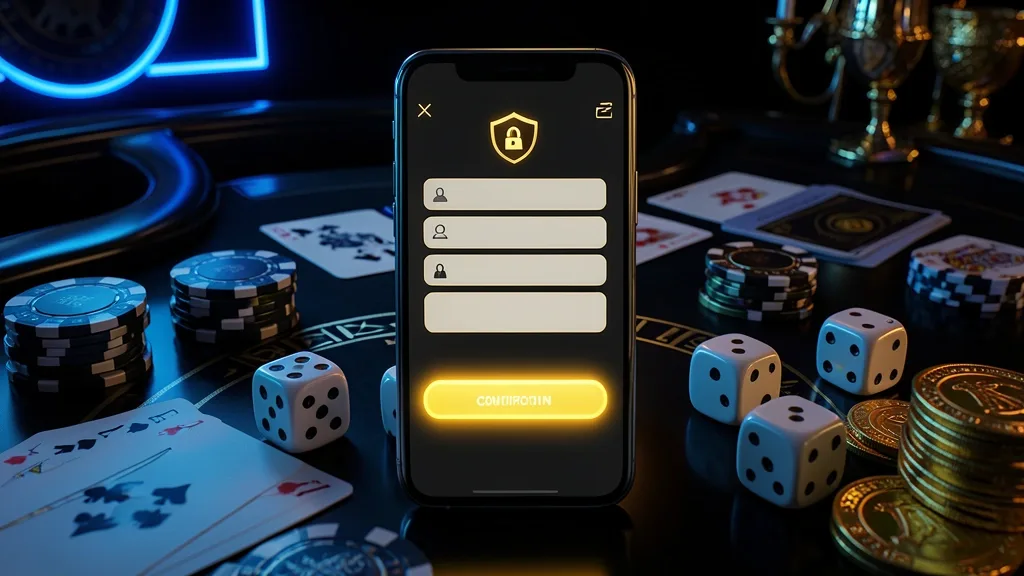
A new profile requires a Bangladesh mobile number, a wallet you use regularly such as bKash, Nagad, or Rocket, and a little time to complete the form.
The usual sequence is: select Register, enter your mobile number, choose a password, provide your name as shown on your NID, select BDT (৳), add a promo code if applicable, confirm the SMS OTP, and submit the form.
Once the account opens, you can look through the KKM99 casino area or review available games before adding funds.
At the initial stage, email confirmation can be added later, while NID material or other checks may be requested before a withdrawal or after a security review. Requirements can vary by account.

Choose Register from the homepage or app, usually displayed near the top of the screen.
Provide the Bangladesh mobile number associated with your bKash or Nagad wallet where possible.
Create a password with a mixture of letters, numbers, and a symbol.
Enter the one-time code delivered to the phone by SMS.
Add a promotional code before submitting if you received one.
After confirmation, browse the platform first if you prefer. Keep your phone unlocked during registration because the OTP is needed to finish the process.
Think of the login as a second wallet PIN. A few small habits reduce the chance of someone else reaching the profile.
Use a unique password, enable two-factor verification in Settings, activate biometrics in the Android app when available, sign out from shared devices, and review login history from time to time.
Avoid sending credentials to friends, saving them on a cyber-café browser, opening unrequested reset links, or using open hotel and café Wi-Fi for account access.
Phishing warning: inspect the web address carefully before entering details. Extra words attached to a brand name can indicate a copied login page, even when the browser shows a padlock.
Add a second code for unfamiliar sign-ins.
Read every character before entering credentials.
Use the recovery link on the login screen, enter your registered number, request the SMS code, type the code, create a replacement password, and return to the sign-in form.
The complete process commonly takes about 2 minutes. Recovery codes are time-limited, so enter one soon after it arrives.
No message yet? Check cellular reception, wait around 60 seconds, request another code once, try mobile data instead of Wi-Fi, or contact the support channel if the problem continues.
If the registered SIM is unavailable, support may ask for your name, approximate registration date, recent deposit information, payment method, and an NID image before changing access details.
A temporary code reaches your registered number.
Manual checks may be needed for recovery.
A mobile browser such as Chrome or Safari needs no installation and provides the main site features. It may feel less responsive than an app on inconsistent 4G.
The Android app can offer fingerprint access, notifications, and easier movement between sections. Installation may require permission for sources outside the standard store.
A desktop browser gives more room for cricket markets and live viewing, although it does not provide biometric entry and is less convenient away from home.
For most Bangladesh sessions, I would use mobile. I switch to a laptop when following several cricket markets at once, then sign out when finished.
App access can preserve your signed-in session.
Log out and clear saved login details.
Live chat is the practical first stop for an OTP problem, an account lock, or a forgotten password. Use the support entry shown on the official site.
Email is more suitable when screenshots or identity documents are necessary. Keep the message focused and avoid sending your password.
For messaging channels, follow only the contact link published within KKM99 itself. Random accounts on Telegram or elsewhere may imitate staff.
Remember: genuine support should not request your password. Stop the conversation and report anyone who asks for it.
KKM99 keeps the initial route straightforward for Bangladesh users: a local mobile number, a password, and an SMS confirmation are the main starting points.
Before using the account regularly, choose a password that appears nowhere else and review the security settings. Android users can also check whether biometric entry suits them.
If access fails, use the official recovery form or support route rather than a link sent in an unsolicited message. For more mobile options, visit the KKM99 app page.
You generally need a Bangladesh mobile number, a password, and access to the SMS OTP sent during registration. Additional checks may be requested later.
Yes, access can be available from more than one device. Several new sessions in a short period may lead to an SMS security check.
Check cellular signal first, wait roughly 60 seconds, request another code, and try mobile data if Wi-Fi is interfering. Contact official support if the issue remains.
Read the domain character by character and avoid login links from unexpected messages. A padlock alone does not prove that the page belongs to KKM99.
A number change may be possible after verification. You may need to confirm the old and new numbers, while support can review cases involving a lost SIM.
The opening form normally starts with phone and password details. Identity checks can arise before a withdrawal or when an account security review requires them.
Pause rather than keep guessing. Use the password-recovery option on the login page, complete the SMS check, and contact official support if the account remains unavailable.
Your guide to KKM99 access and play.
18+18+ only. Please play responsibly.